Use DocInsight > Documentation Explorer to browse the current project, unit, type, and member structure and preview or edit the selected declaration's documentation.
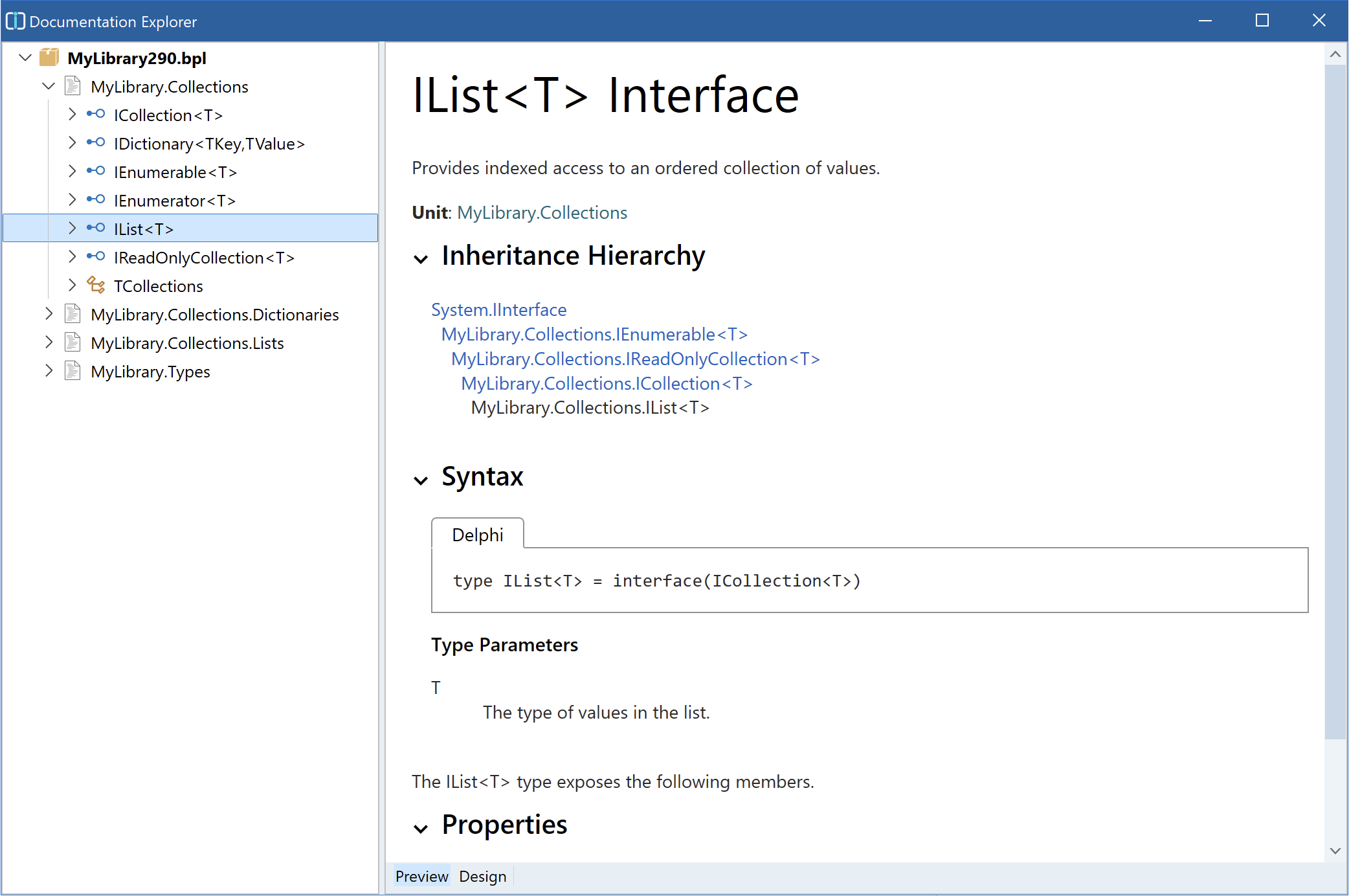
Select an item in the structure tree to display its rendered documentation. Follow documentation links or use the navigation history to move among related symbols, and use Go to Declaration to return to a declaration in the source editor.
Use Documentation Explorer with Documentation Inspector when you need to move through several related declarations and update their comments in one editing session.